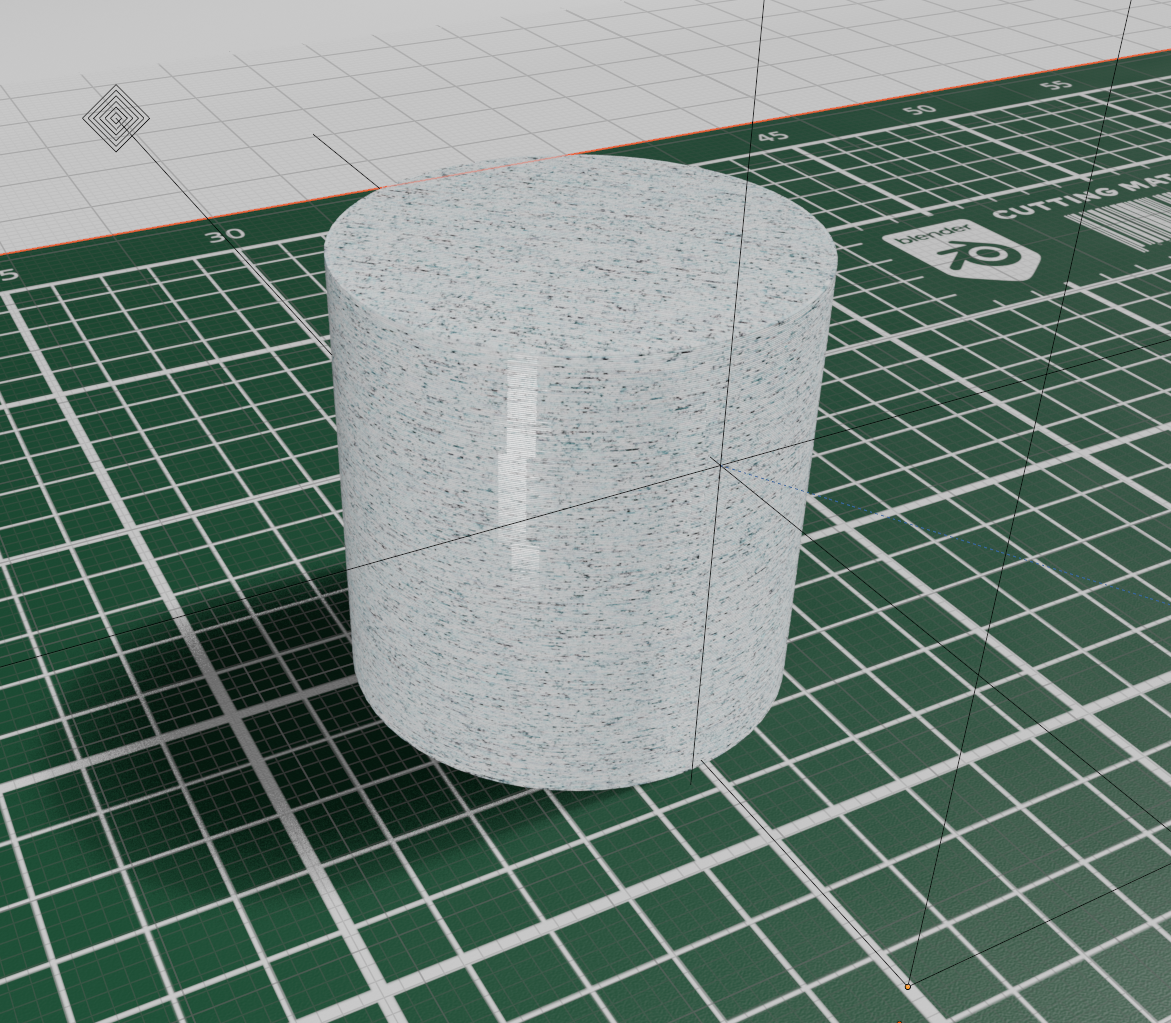
Custom Textures
You can create any custom textures you want for your models. Currently, the Stitch3r addon does not calculate UVs and that is a small issue that will be resolved in future updates. Till then, this is a stop gap solution.
UV Unwrap
- Load your GCode normally as shown in Your First GCode Import.
- Find the
OBJECTcollection in the outliner. It may be named differently according to your settings. Please select the correct one carefully.
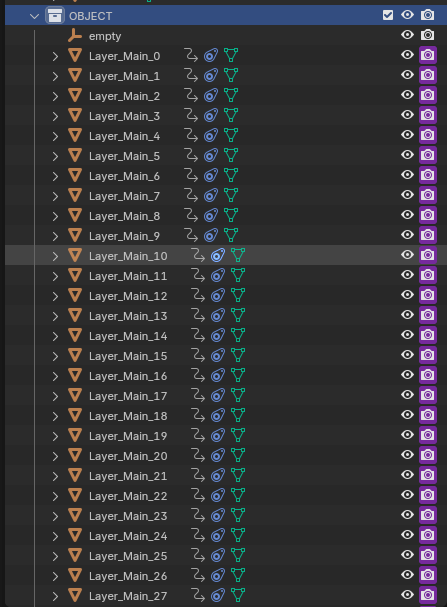
- Right click the collection and
Select Objects.
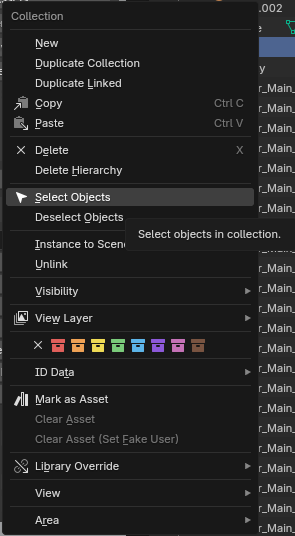
⚠ Steps beyond this can likely crash Blender and will definitely lag. Once the addon generates proper UVs these will not be needed
- Then switch to
Edit Mode.
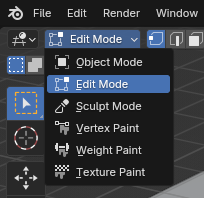
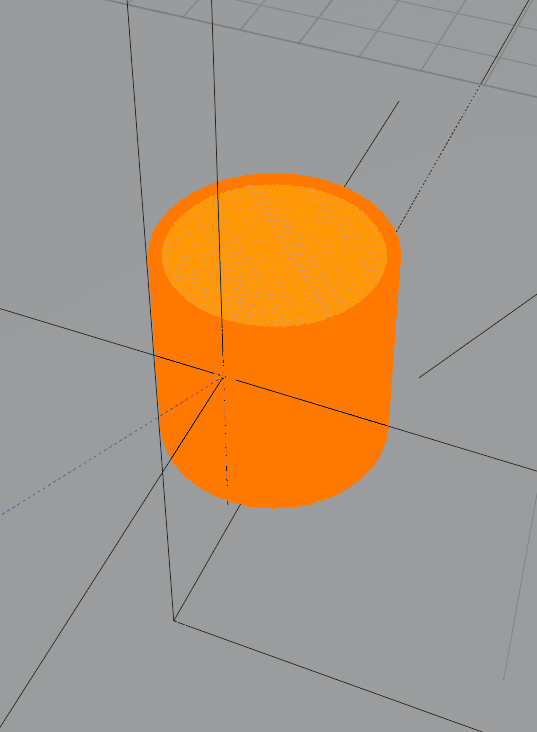
- Make sure everything in selected. Just hover on your model and hit
aon the keyboard. Make sure you did not accidentally select anything other than your imported gcode. If you did, go back toObject Mode. Unselect the extra items and come back toEdit Mode.
- Go to
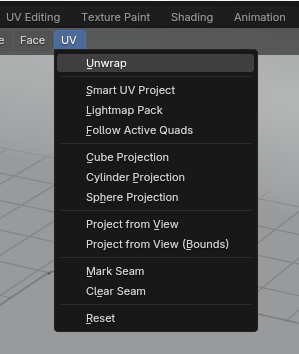
UV > Unwrap. This will generate proper UVs for the model and now you can apply complex textures to your model.
- You can find a sample marble material in this blend file